
POS Equipment
Tablets, TV, Wifi to streamline your food truck
EasyEats uses general hardware when possible so you can get the best prices and not overpay for locked down devices.
Equipment Recommendations
Setting up your EasyEats POS is simple. We use commonly available hardware to keep costs down while maintaining quality. Choose from our recommended packages below, or customize your setup based on your needs.
Every setup needs these essentials:
- Android tablet for the Point of Sale app
- Kitchen Display Screen to manage orders
- Credit card reader (purchased/rented from your EasyEats approved payment processor)
Step 1: Choose Your Setup
Select a package that fits your needs, or skip to build a custom setup.
� Basic: Getting Started (~$283)
Best for: Getting started with minimal investment
- POS: Samsung Galaxy Tab A9+ with universal metal stand
- Kitchen Display: Reuse an existing iPad, tablet, or any device with a web browser
Note: Credit card reader purchased separately from your processor.
� Standard: POS with Basic KDS (~$603)
Best for: Most food trucks - dedicated screens for better workflow
- POS: Samsung Galaxy Tab A9+ with universal metal stand
- Kitchen Display: Second Samsung Galaxy Tab A9+ with wall mount
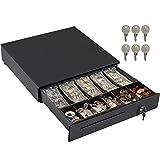
- Cash Management: Cash drawer included
Note: Credit card reader purchased separately from your processor.
� Premium: POS with Large KDS (~$841)
Best for: High-volume operations wanting the best experience
- POS: Samsung Galaxy Tab A9+ with universal metal stand
- Kitchen Display: 22" touchscreen monitor with pocket PC and wall mount
- Cash Management: Cash drawer included
Note: Credit card reader purchased separately from your processor.
Step 2: Customize Your Shopping List
Step 3: Get Your Amazon Shopping Links
Additional Equipment Information
Browse our complete equipment catalog below.
� Standard Equipment Options

Samsung Galaxy Tab A11+ Tablet
Can be used for your Point of Sale (required) and optionally as a Kitchen Display Screen for budget-friendly setups.
11" Android tablet with MediaTek Octo-Core processor - runs POS app smoothly
Open on Amazon →
Universal Tablet Stand (Metal)
Used for the POS tablet.
Sturdy metal swivel stand - rotate toward customers when needed
Open on Amazon →Tablet Wall Mount
Used if you want a second tablet for KDS.
Secure wall mount for the KDS tablet
Open on Amazon →22" Touchscreen Monitor (Premium KDS Option)
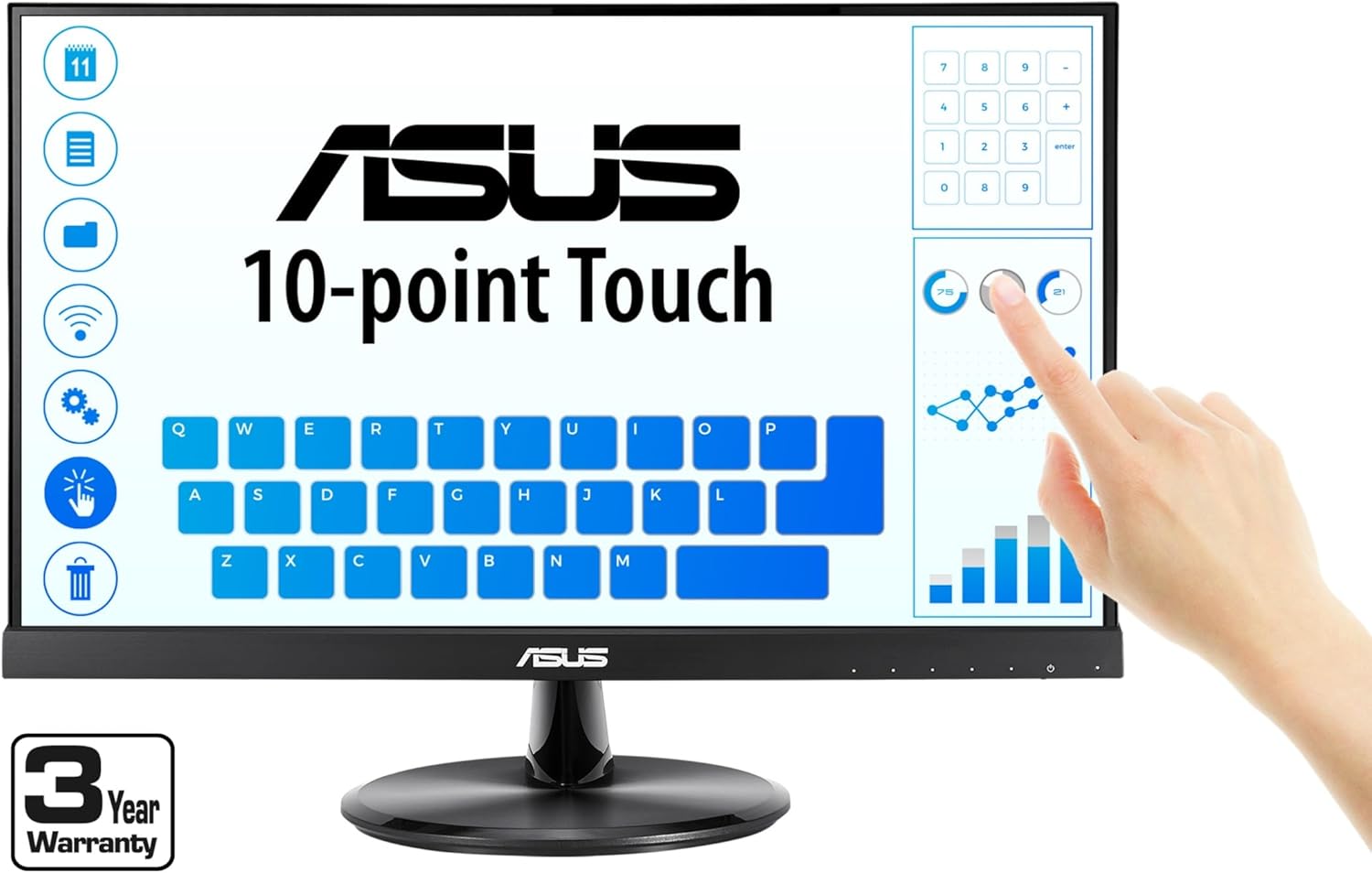
21.5" Touchscreen Monitor
Large display for better kitchen visibility - easier to manage multiple orders
Open on Amazon →

➕ Optional Accessories

WiFi Hotspot
Dedicated hotspot provides better connectivity than phone hotspots. Contact your cellular provider for recommendations.