POS equipment
You need 3 things.
Use hardware you already have, or pick up what's missing. The tablet and kitchen screen can be purchased from Amazon or similar retail store. Your card reader comes from your processor.
-
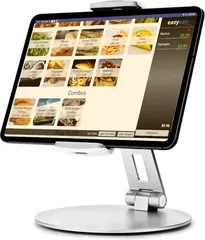 1A POS tabletRequiredAn Android tablet and a stand.
-
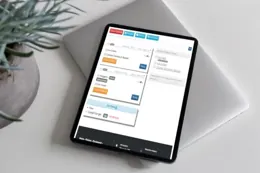 2A kitchen screenRecommendedCan be a device you already own.
-
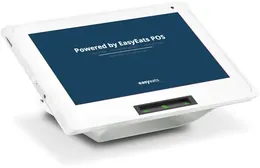 3A card readerRequiredFrom your payment processor.
Quick picks: Basic ~$273 Standard ~$586 Premium ~$867
What will your setup cost?
Pick from the options below. Your estimate updates as you go.
Standard package ~$586 + card reader
- POS tabletNew tablet and stand~$273
- Kitchen screenSecond tablet on a wall mount~$257
- Card readerChoose a processor in step 3From processor
- ExtrasCash drawer~$56
1POS tablet Required~$273
Our pick is the Samsung Galaxy Tab A11+ Tablet (Android 12+) on a metal swivel stand. An employee will enter orders on this device at the window.
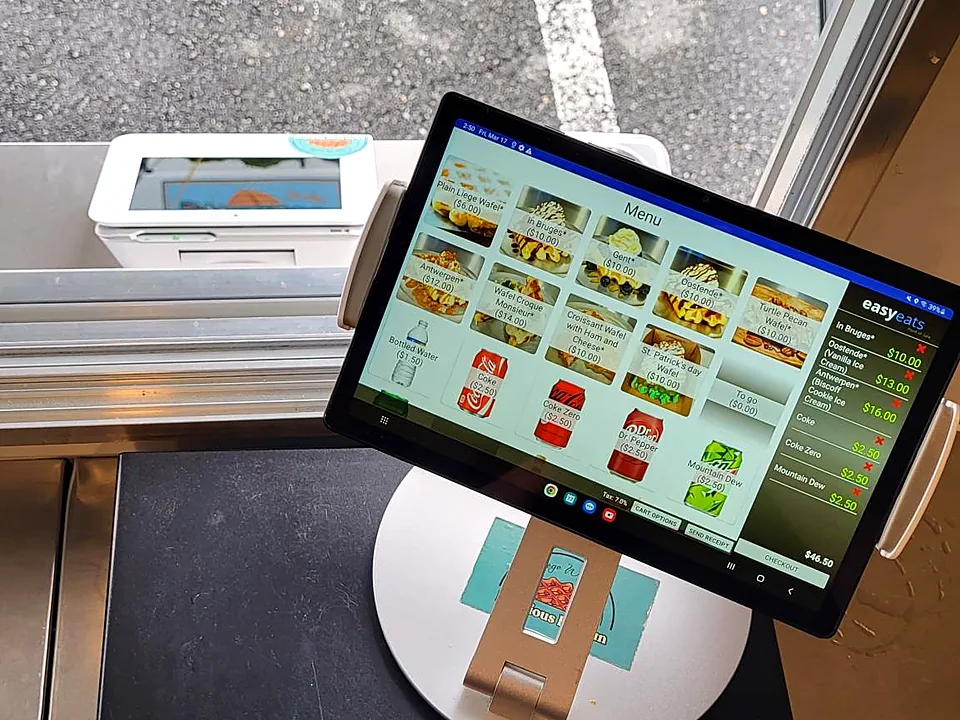
 Samsung Galaxy Tab A11+ Tablet~$239Or any 10–11" Android 12+ tablet with Google Play (not Kindle Fire or ONN)

Check your tablet
Works with most Android tablets running Android 12+ with Google Play.
- Android 15+ recommended
- 10" screen size recommended
Have an iPad? Use it as your kitchen screen. Not supported for the POS: iPads, Kindle Fire, and ONN tablets.
2Kitchen screen Recommended~$257
The kitchen display runs in a web browser, so almost any screen works. Window, online, and scheduled orders all show up in one place, with no paper tickets. EasyEats supports unlimited KDS devices and there is no upcharge for multiple devices.
3Card reader RequiredFrom your processor
You get your reader when you sign up for processing, not on Amazon. Each processor offers several readers.
Your choice of processor
Pick the option that fits your business.
Processor Options
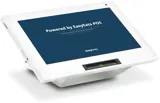
Fiserv / CardPointeRecommended for most merchants
Premium Clover customer-facing display: customers review their order and tip right on the reader.
| Model | Type | Price |
|---|---|---|
| Clover Go | Simple screenless reader that supports tap to pay, chip, and swipe. | $99 purchase |
| Clover Mini | High end reader with customer facing display screen — allows tipping, customer phone and name capture, etc | $25/month rental |
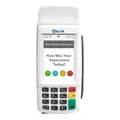
FNP / TilledLowest online-order rates
Customer-facing readers with tipping.
| Model | Type | Price |
|---|---|---|
| Valor VL110 | Standard reader with keypad and touch screen. Accepts tap, chip, and swipe payments. Can take tips on device. | $95 Purchase or $15/Month rental |
| Valor VL550c | Premium reader with large touch screen. Accepts tap, chip, and swipe payments. Can take tips on device. | $205 Purchase |
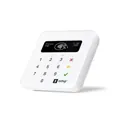
SumUpBackup option
A simple, compact reader. Handy as a backup or for occasional use. Bought from SumUp.
| Model | Type | Price |
|---|---|---|
| SumUp Plus | Basic reader with a small screen. Accepts tap, chip, and swipe payments. | $50 Purchase |
| SumUp Solo | Premium reader with a larger touch screen. Accepts tap, chip, and swipe payments. Can take tips on device. | $99 Purchase |
Quick comparison
- Fiserv / CardPointe Recommended for most merchants
Premium Clover customer-facing display with on-reader tipping. - FNP / Tilled Lowest online-order rates
Customer-facing readers with tipping. - SumUp Backup option
A simple, compact reader for backup or occasional use.
About 3 minutes
Which card processor is right for you?
How the processors compare on pricing and card readers, with our recommendations for different kinds of businesses.
+Extras Optional~$56
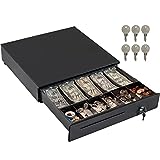 ~$56Keeps cash secure; operates in manual mode. View on Amazon. Or any manual (key-operated) cash drawer.
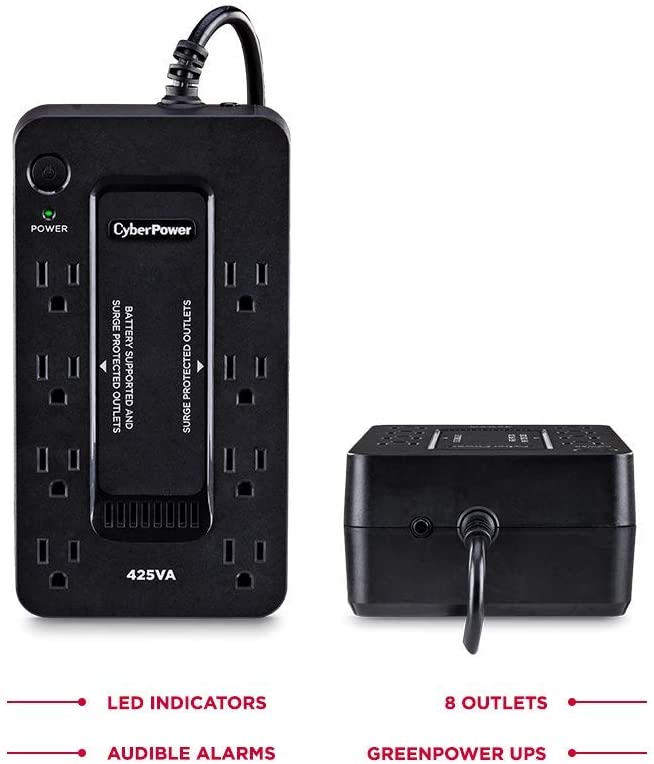 ~$63Keeps devices running through power glitches or generator issues. View on Amazon. Or a similar small UPS battery backup.
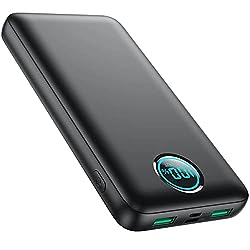 ~$25Keeps devices charged away from outlets. View on Amazon. Or any USB power bank.
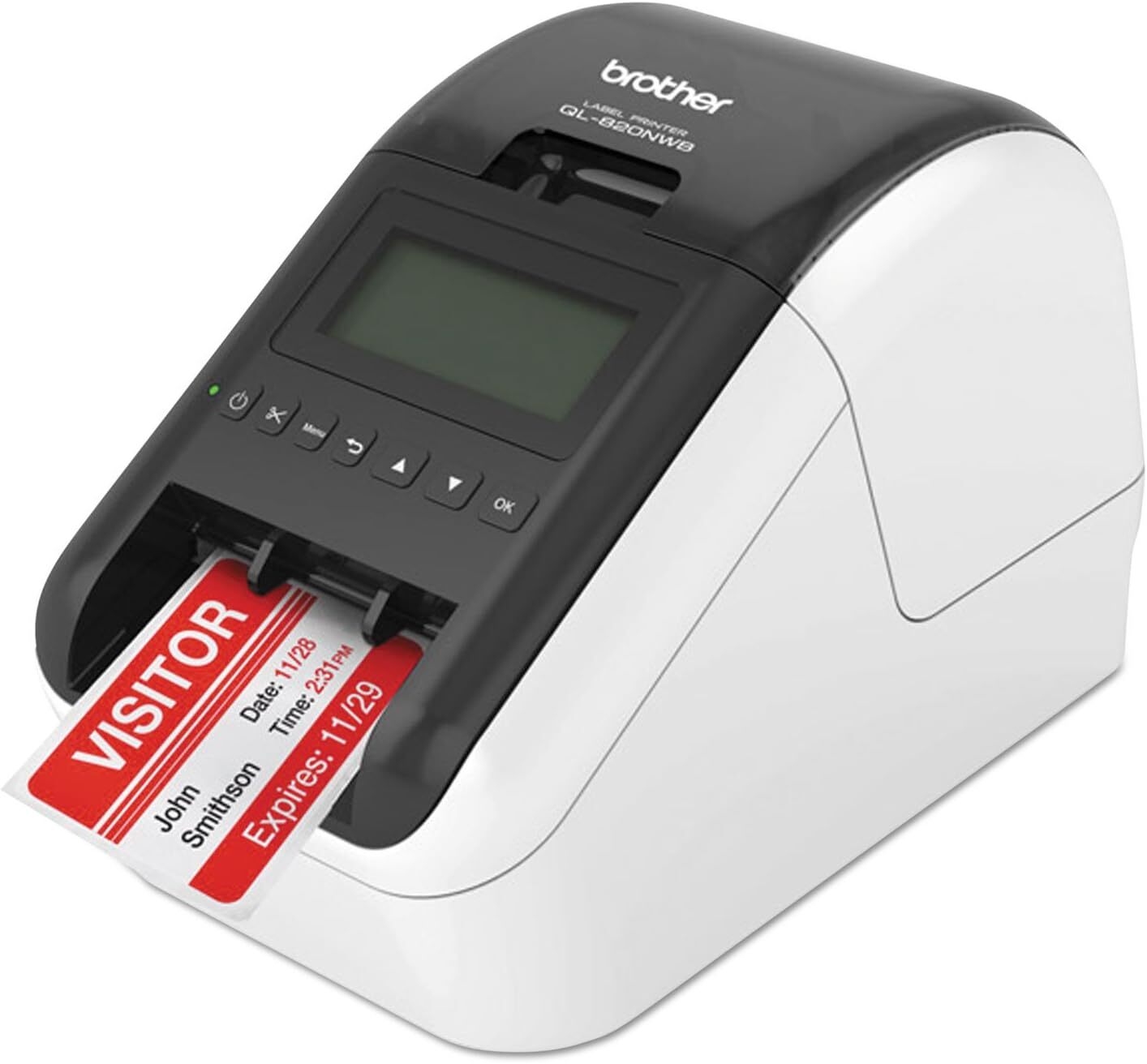 ~$240Prints order labels for packaged items. View on Amazon. Thinking of a different model? Ask our team first.
- InternetWe recommend using Starlink or a dedicated wifi hotspot for reliable connectivity.
Your shopping list
Card reader: provided by CC processor, when you sign up for processing (not on Amazon).
Approximate Amazon prices; prices and availability on Amazon change.
Out of stock? Anything matching the "or similar" note works.
As an Amazon Associate, EasyEats earns from qualifying purchases.
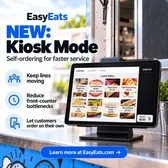
NewKiosk Mode: turn a tablet into a self-ordering kiosk so customers can order and pay on their own.
Free support from real people on every plan. Our team will help you get your hardware set up.
"I use it because it's a good system and it's easy enough for me. I don't have to worry about it."
Equipment questions
Can I use my own tablet?
Yes. Most Android tablets running Android 12 or newer (15+ recommended) with Google Play work for the point of sale; a 10" screen is recommended. For the kitchen screen, almost any device with a modern web browser works. Kindle Fire and ONN tablets aren't supported for the POS.
Can I use an iPad?
Yes, an iPad works great as your kitchen display: any device with a modern browser can run it. The point of sale runs on an Android tablet.
What devices work for the kitchen screen?
Pretty much any device with a modern web browser: an old tablet or iPad, a phone, a laptop, or a TV or monitor with a small PC. A dedicated touchscreen gives the best experience. See step 2 for our picks.
Where do I get a card reader?
Your payment processor provides it when you sign up for processing. See step 3 for each processor's readers, and the processor rates on the pricing page. Readers aren't sold on Amazon.
Do I need a cash drawer or a printer?
Both are optional extras. Add a cash drawer (it works in manual mode) or a label printer for packaged items under Extras. The kitchen display is all digital, so there's no kitchen printer to buy.
Can I run more than one POS or kitchen screen?
Yes. Run several POS tablets and kitchen stations at once at no extra charge.
Try EasyEats free
Set up a free demo account on a device you already have. Everything you build carries over when you go live, so there's no restart needed.
No commitment. Questions first? Talk to our team.
Recommended by
Bill Moore, President & Executive Director, National Street Food Vendors Association
Bill Moore is a seasoned expert in the food industry with over 47 years of experience.
"Easy Eats, which is a POS system that I highly recommend."
Watch at 0:17NSFVA website10-Minute Food Truck Training podcast